What happens after you buy
- 01
Buy and open what you bought
The Figma download is one zip. Inside it: the Figma file, a README, and the licence as a separate markdown file. Open the Figma file and you land on the Start Here page. If you bought the code, reply to your receipt email with your GitHub username, and within one business day you have read access to the private repo to fork.
- 02
Read the Start Here page
The README covers fonts, where the tokens live, and how the pages are organised. The licence artboard covers what you can and cannot do with the file. The code repo has its own README, which covers running the site and connecting your own free Sanity project.
- 03
Take the system into your build tool
The design system page holds the tokens, the type scale, and every component. Whichever route you take below, that page is what you point at first. Set up the tokens before you build a single section and the rest of the work stops fighting you. In the code, the tokens are already set up and named like the Figma variables.
- 04
Build the pages
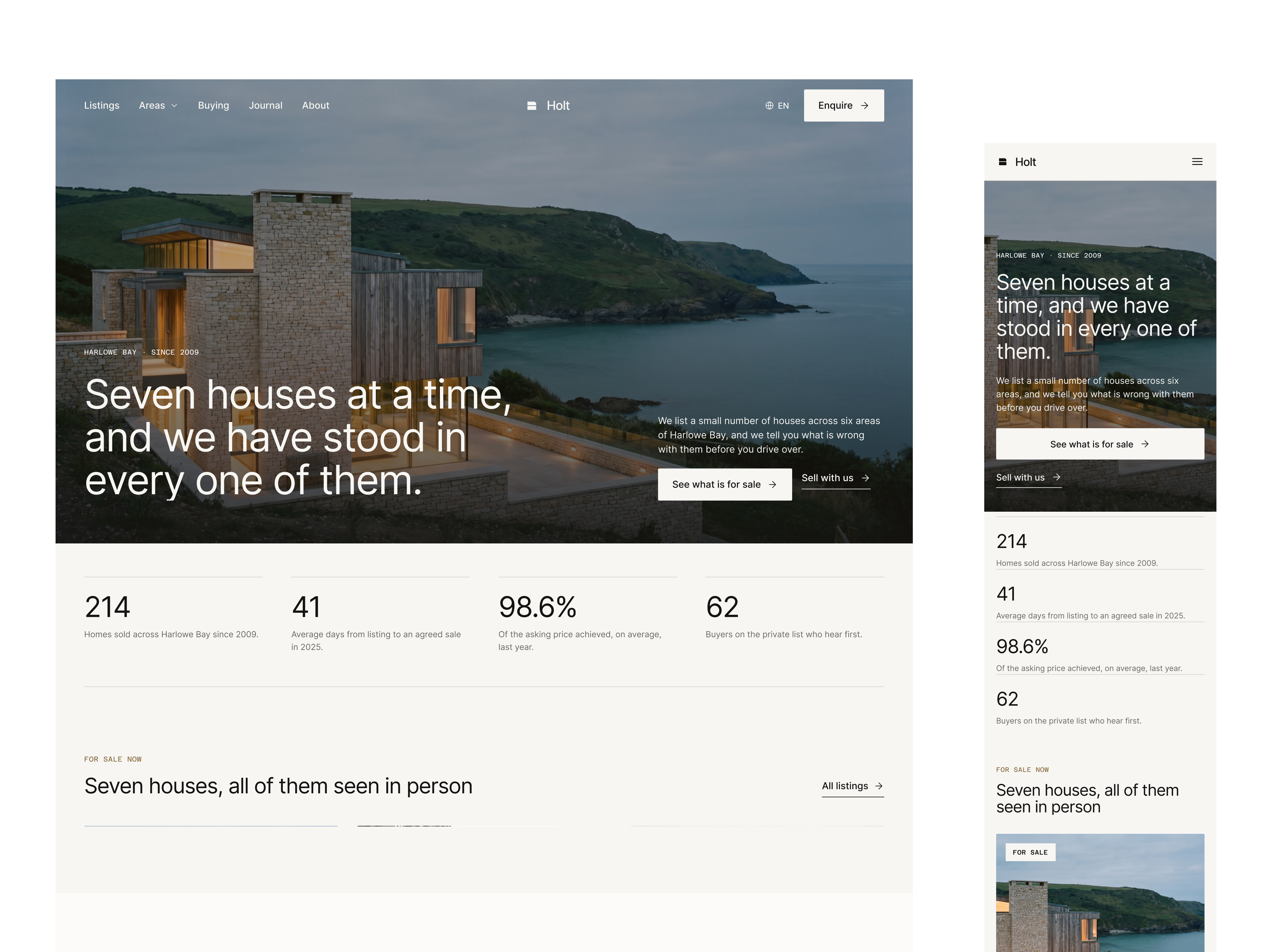
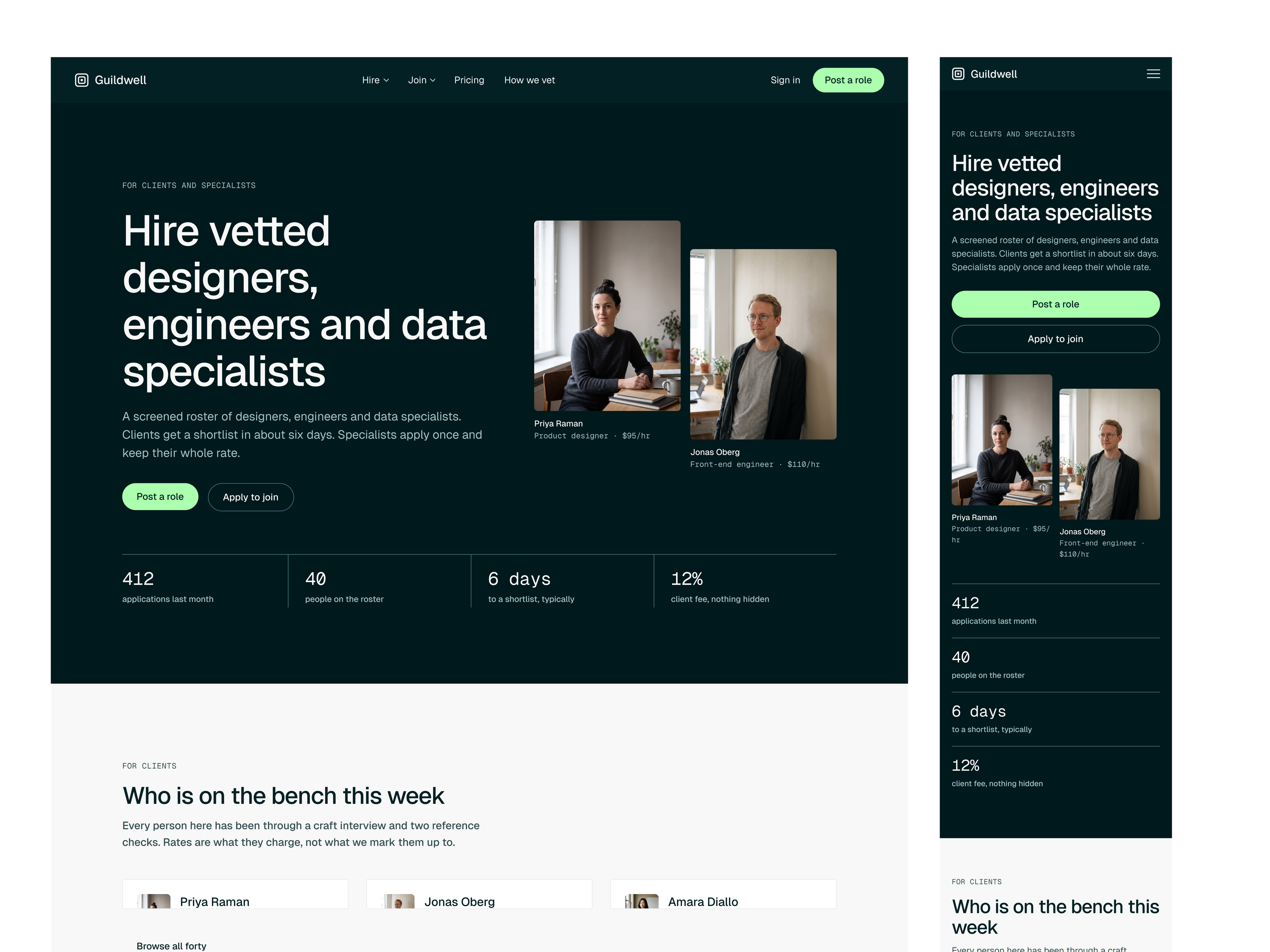
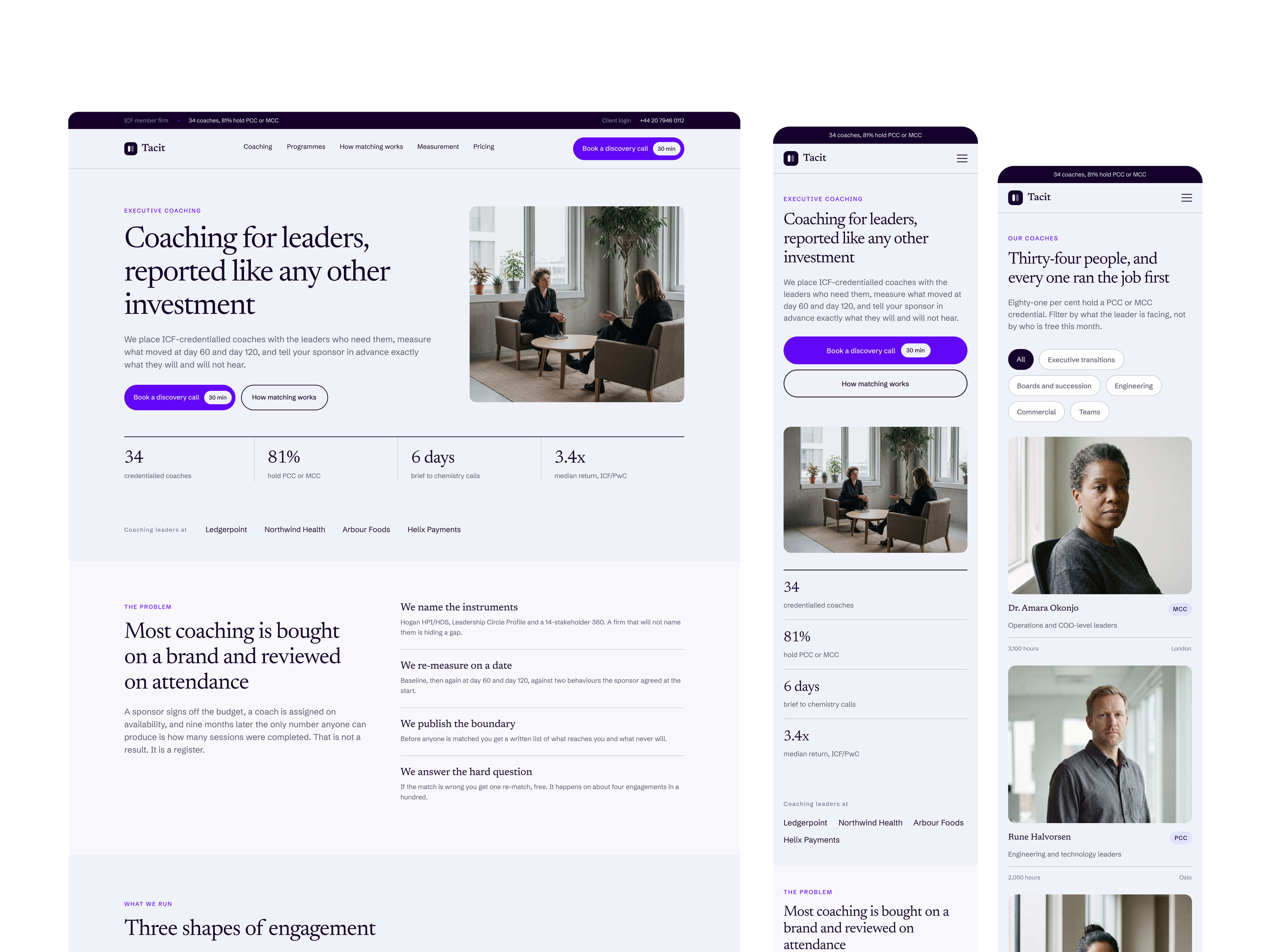
Every page artboard has desktop and mobile drawn, so you are never guessing how a section should behave on a phone. In the code, every page is already built at both sizes, so you change the content in Sanity and the brand in the tokens.
Webflow, agents, Ship Studio, or your own code
Where you build it
Nothing in the file assumes a framework, so the same design goes anywhere.
Webflow
Create the classes from the design system page first. Layer names are already Client First, so a layer called template-card_image is the class you make. Once the site is up you can connect Claude through the Webflow MCP and have it make edits in the Designer.
An AI agent
Turn on Dev Mode and connect the file over MCP. Point the agent at the design system page before you ask for any page. That single step is the difference between a build that matches the design and a build that reinvents it.
Ship Studio
Start a project in whatever framework suits the client, paste the tokens into your CSS, and work through the pages in order. The README lists the font imports you need.
Your own code
Read the tokens off the design system page and go. Nothing in the file assumes a framework.
Start from the code
Some templates are also sold as code. After checkout, reply to your receipt email with your GitHub username, and within one business day you get read access to a private repo with the full site in Astro and Tailwind CSS. Fork it, follow the README to connect your own free Sanity project, and change what you need.
What you need on your side
Short list, and none of it costs anything beyond the file.
A Figma account
Dev Mode and MCP access need a paid plan. Opening the file, reading the tokens and rebuilding by hand all work on the free one.
The fonts
Google Fonts throughout, listed with weights and import code in the README. Nothing to buy.
Somewhere to host
The file has no opinion about which.
A GitHub account, for code
Only if you buy the code. Access to the repo is given to the username you send after checkout.