Multi-page website designs
Buy the design, then build it in Webflow, with an AI agent, or by hand. The design system comes in the file.
 Figma
Figma Webflow
 Claude
 Cursor
 Ship Studio

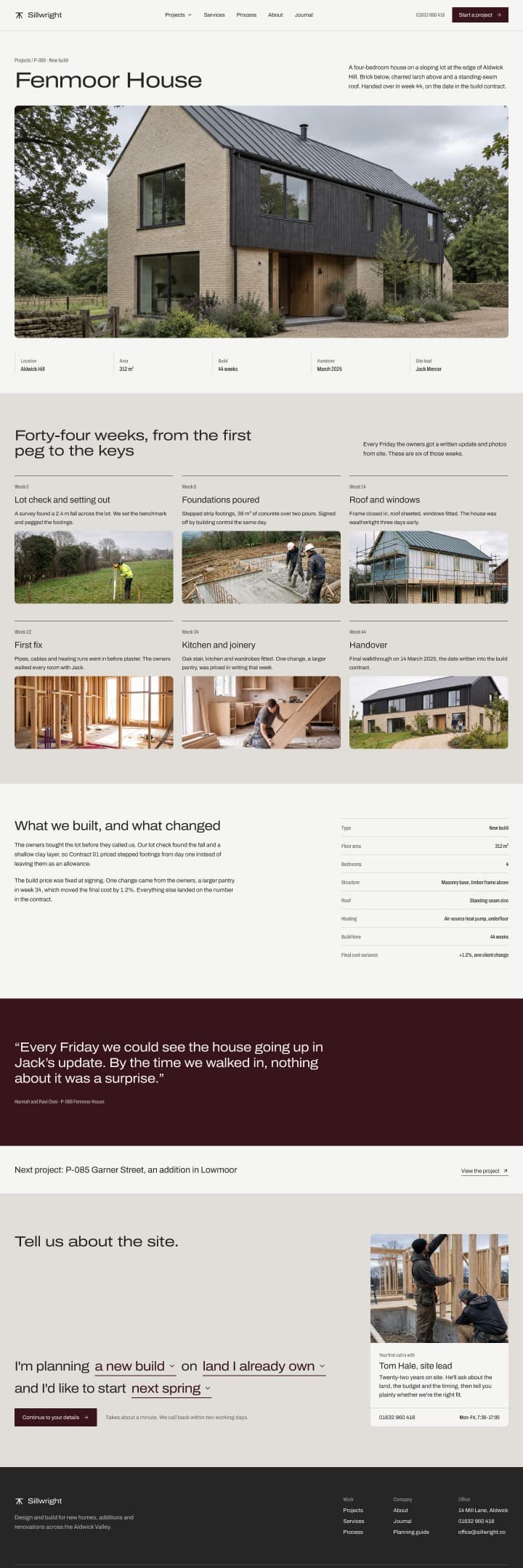

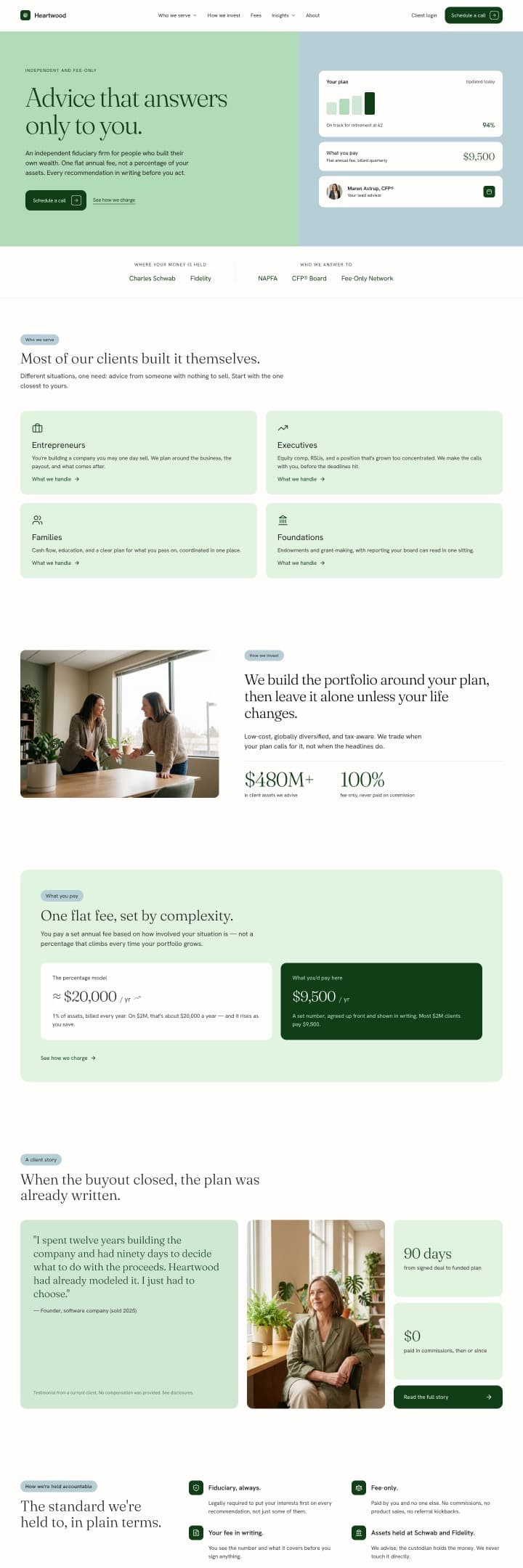
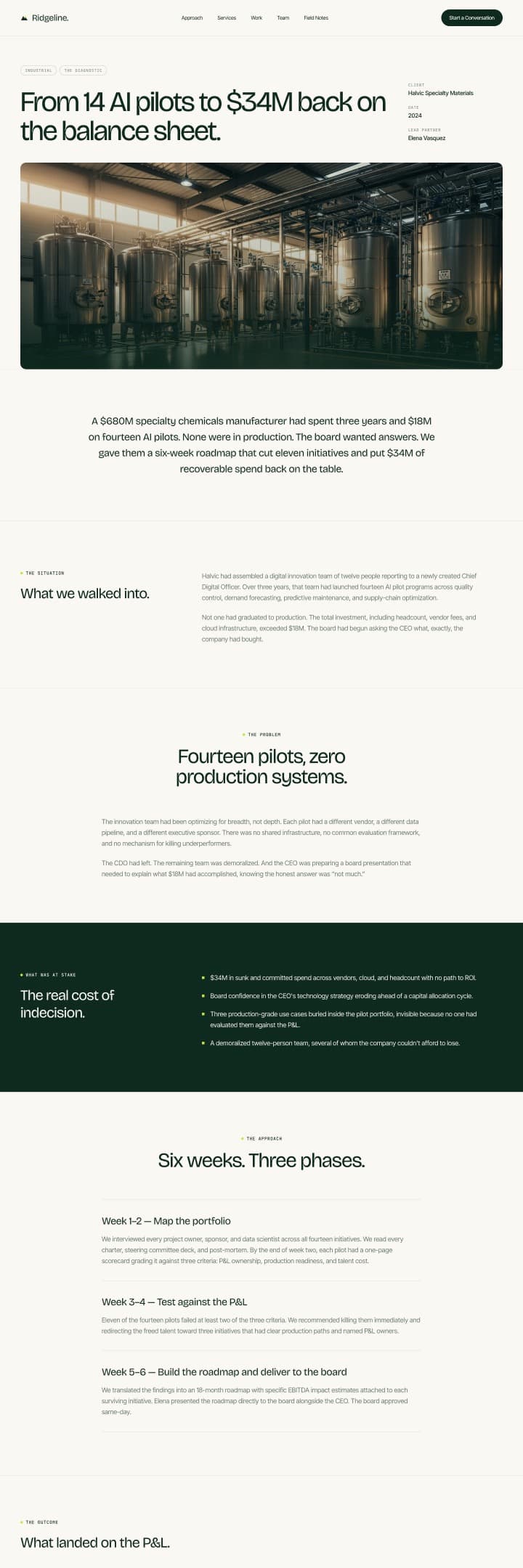
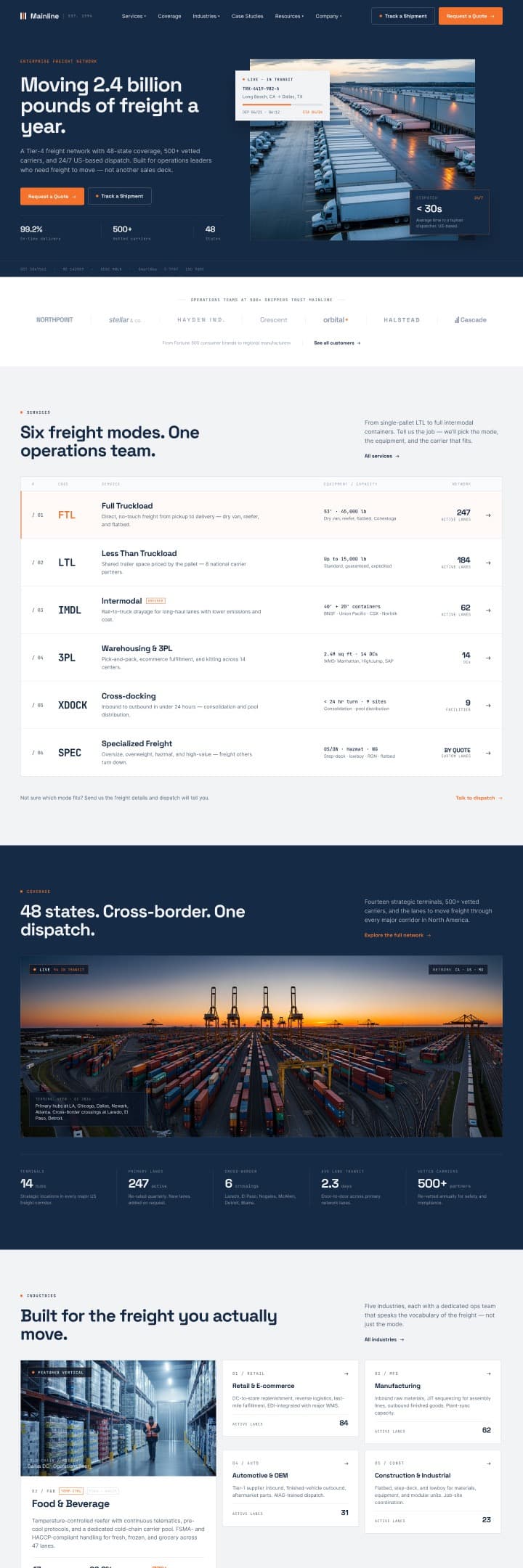
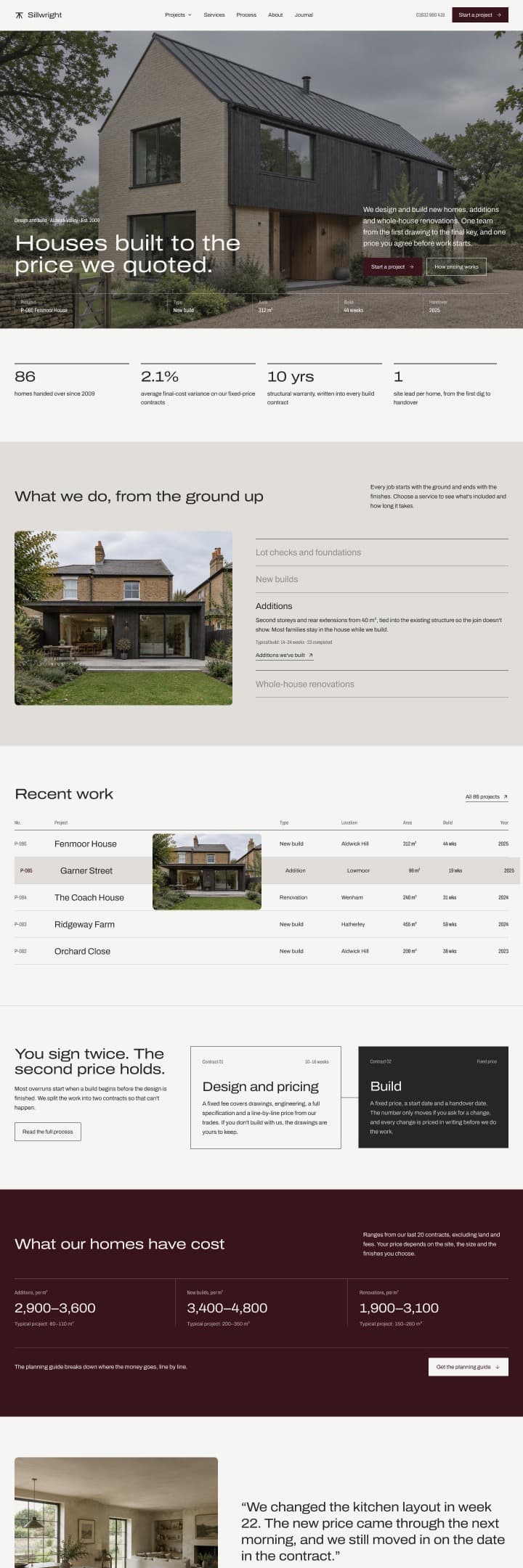
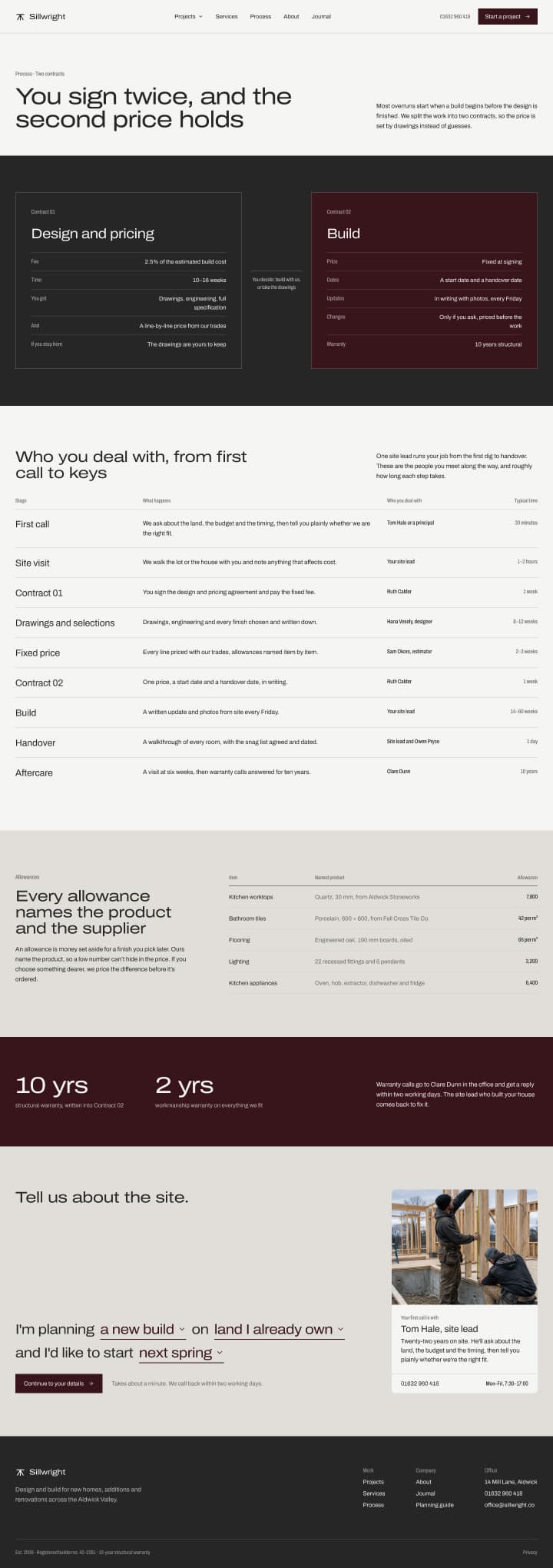
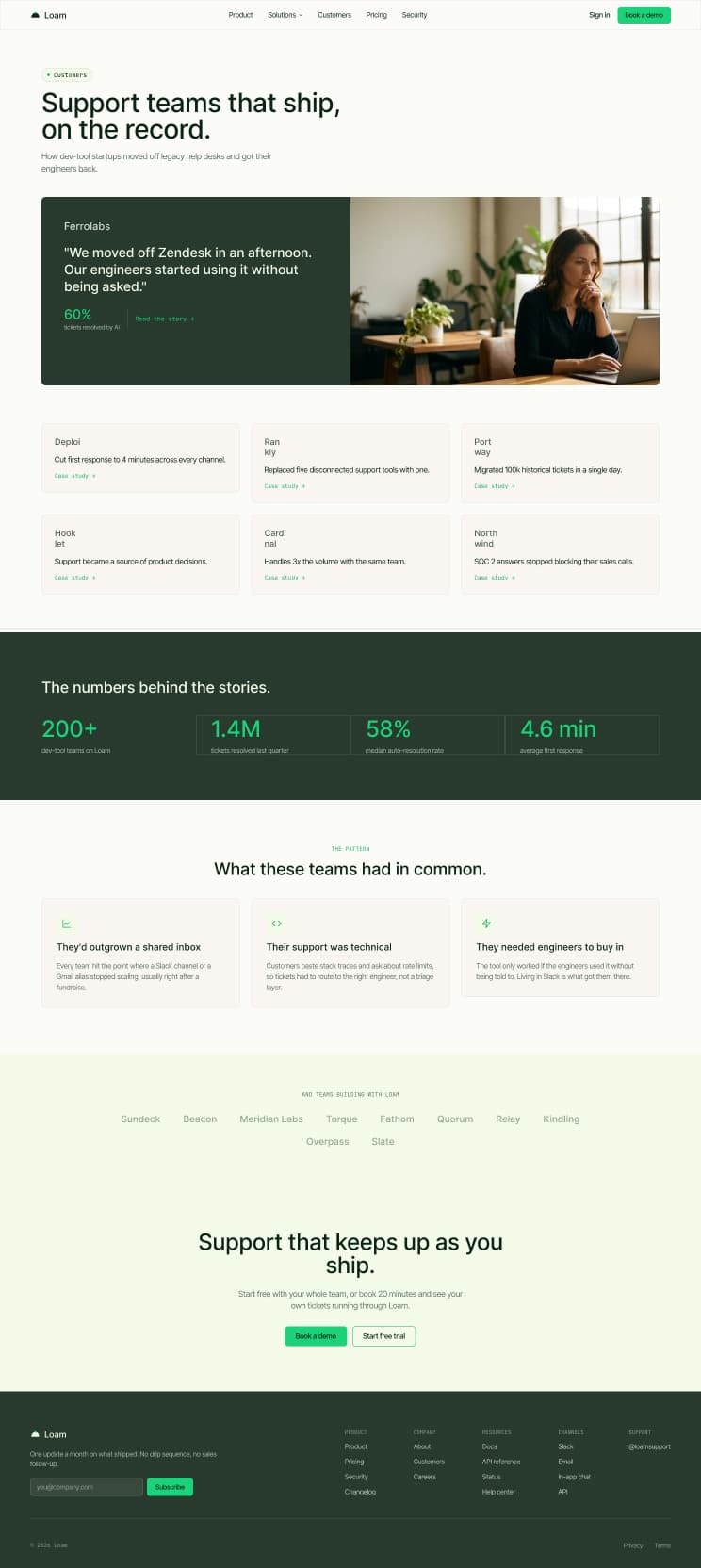
Choose your next website
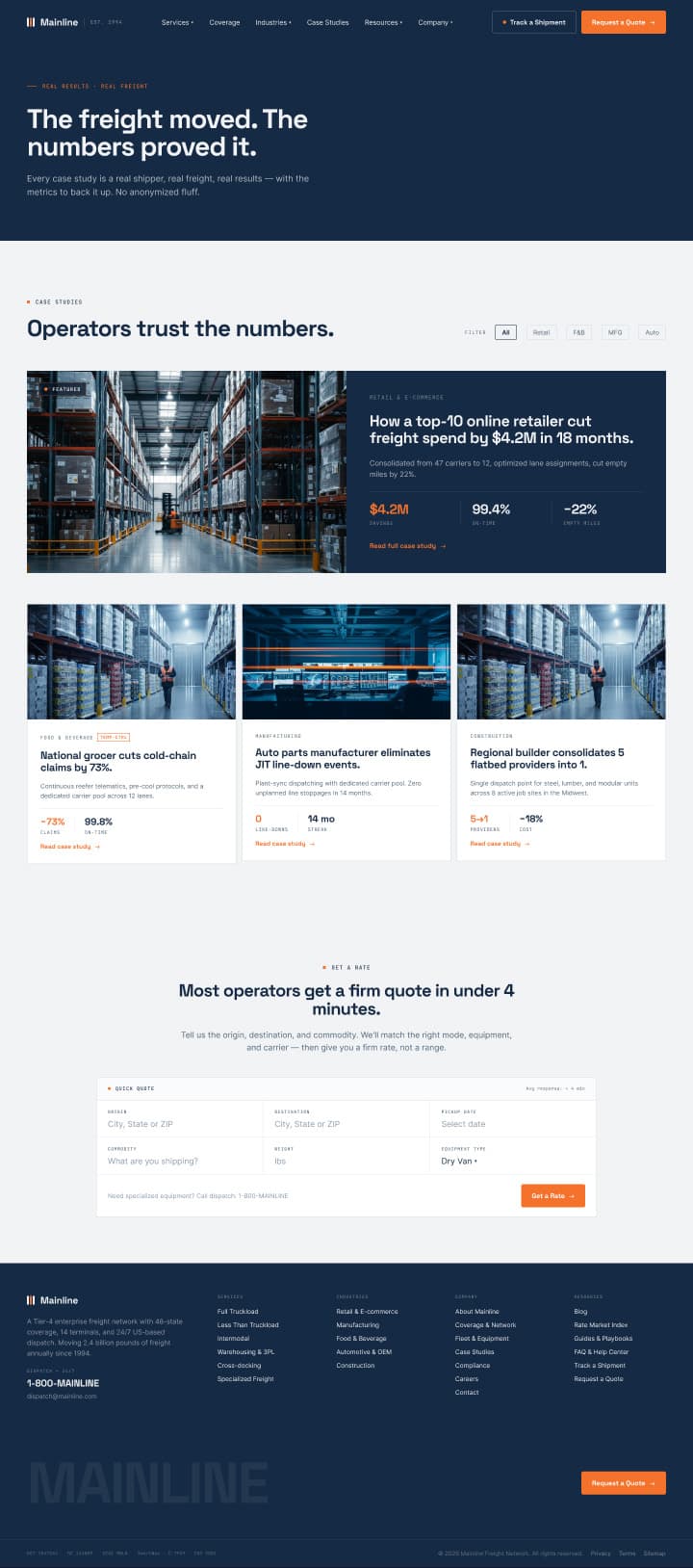
Finished designs with the system behind them, so what you build stays on brand.
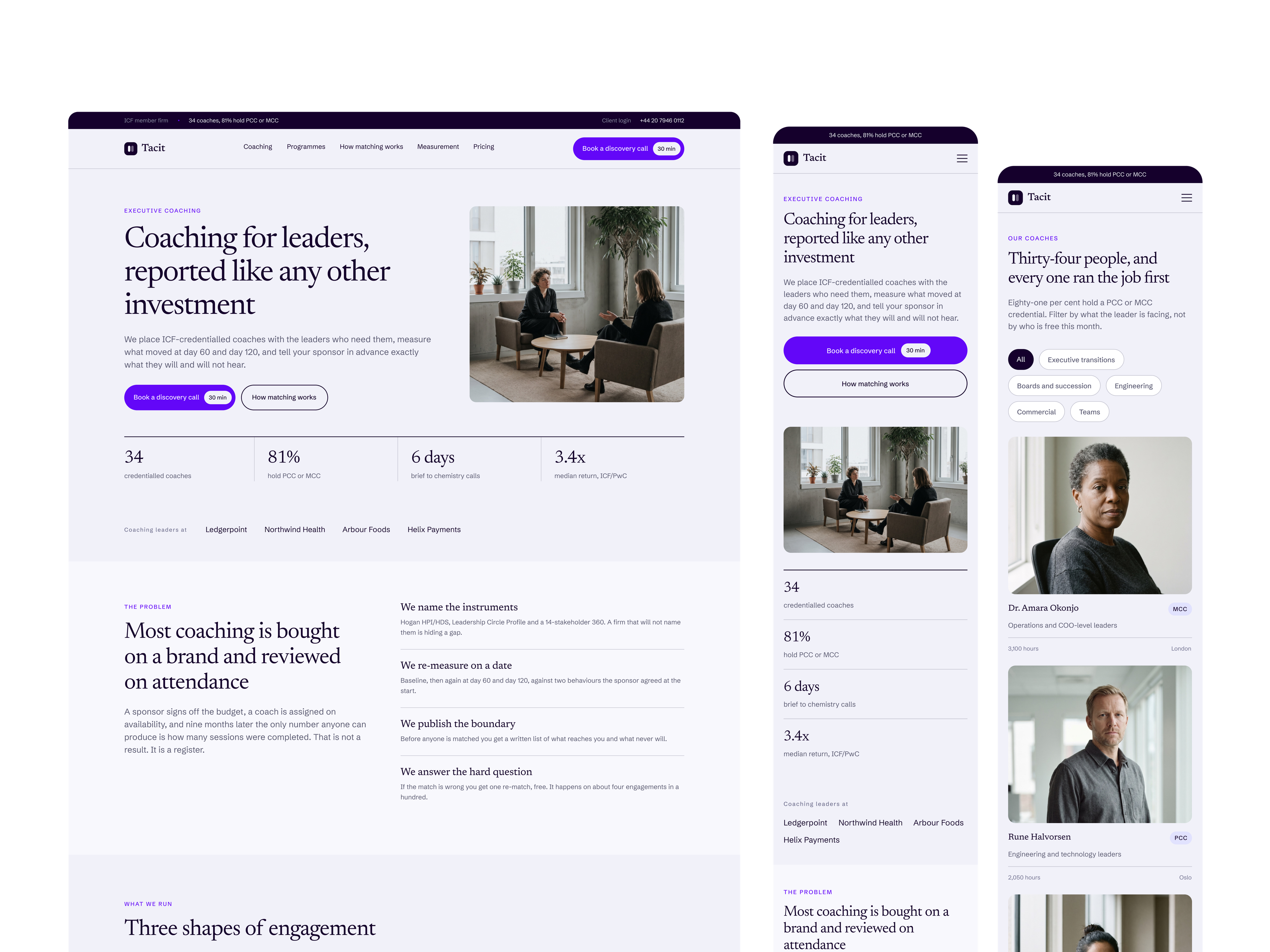
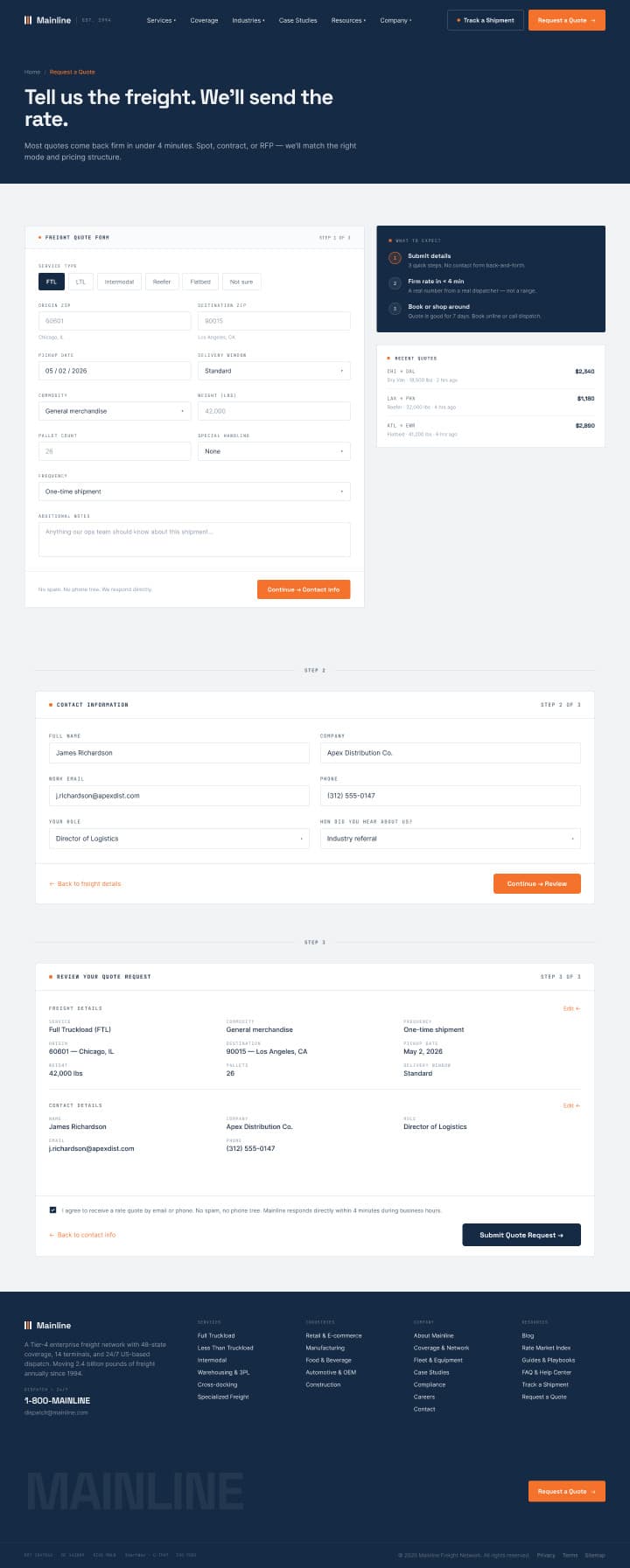
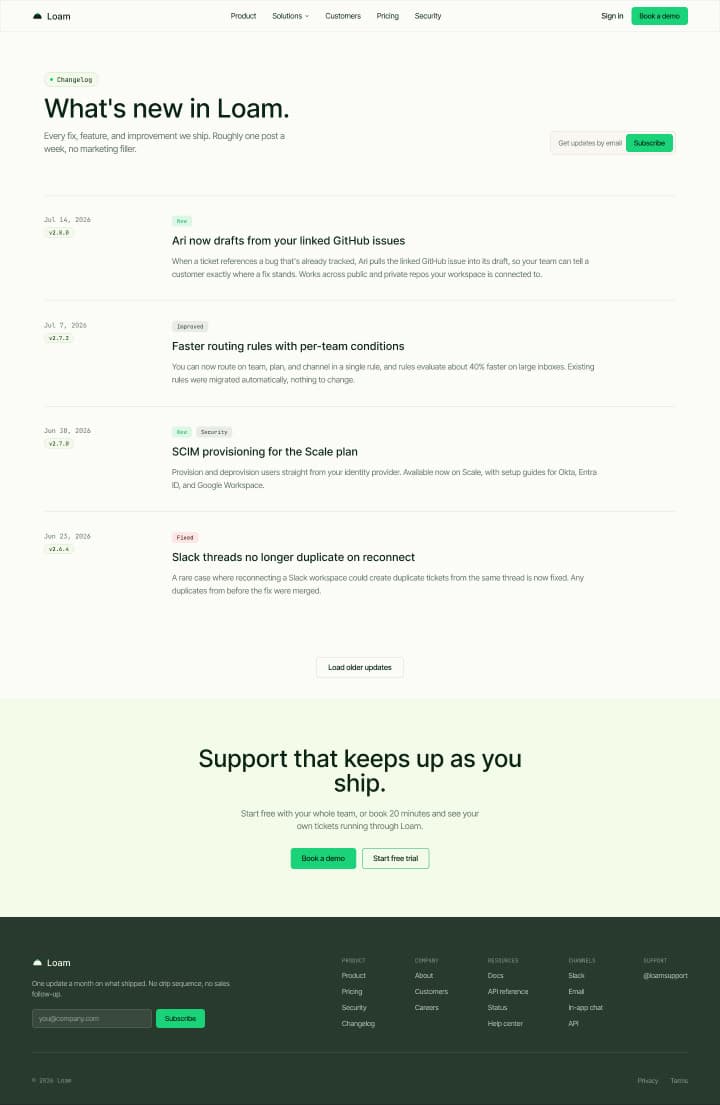
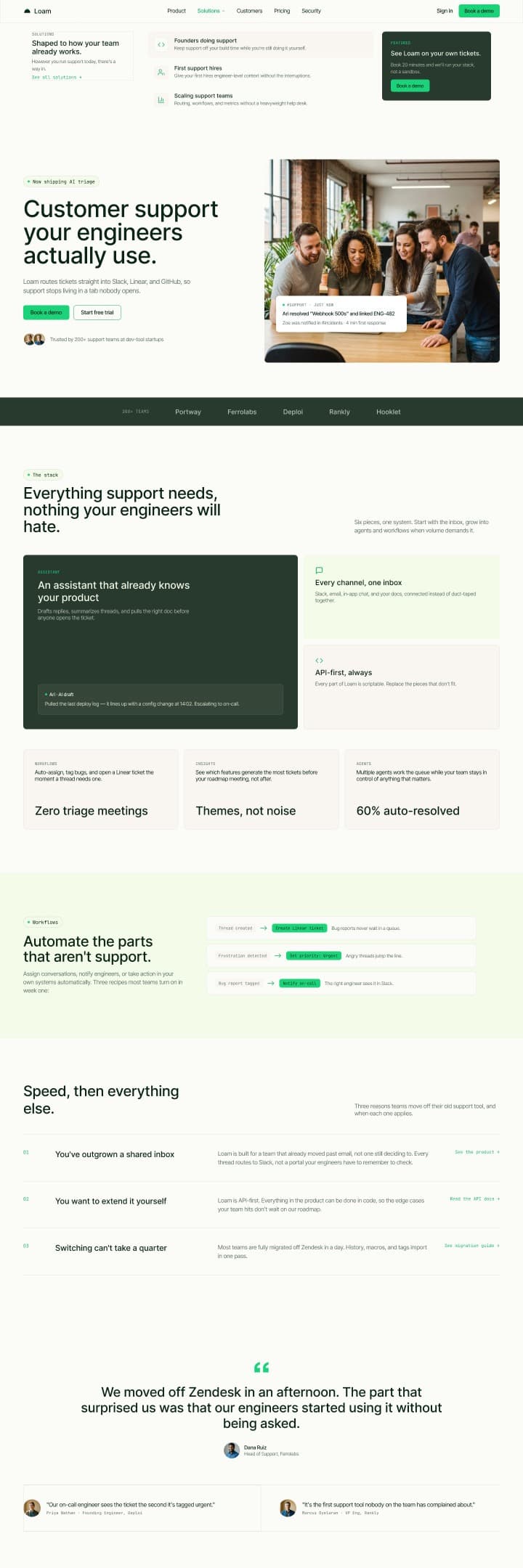
Tacit
Built for executive coaches, training firms and leadership consultancies.
21 pages · 4 CMS collections · $129
$129
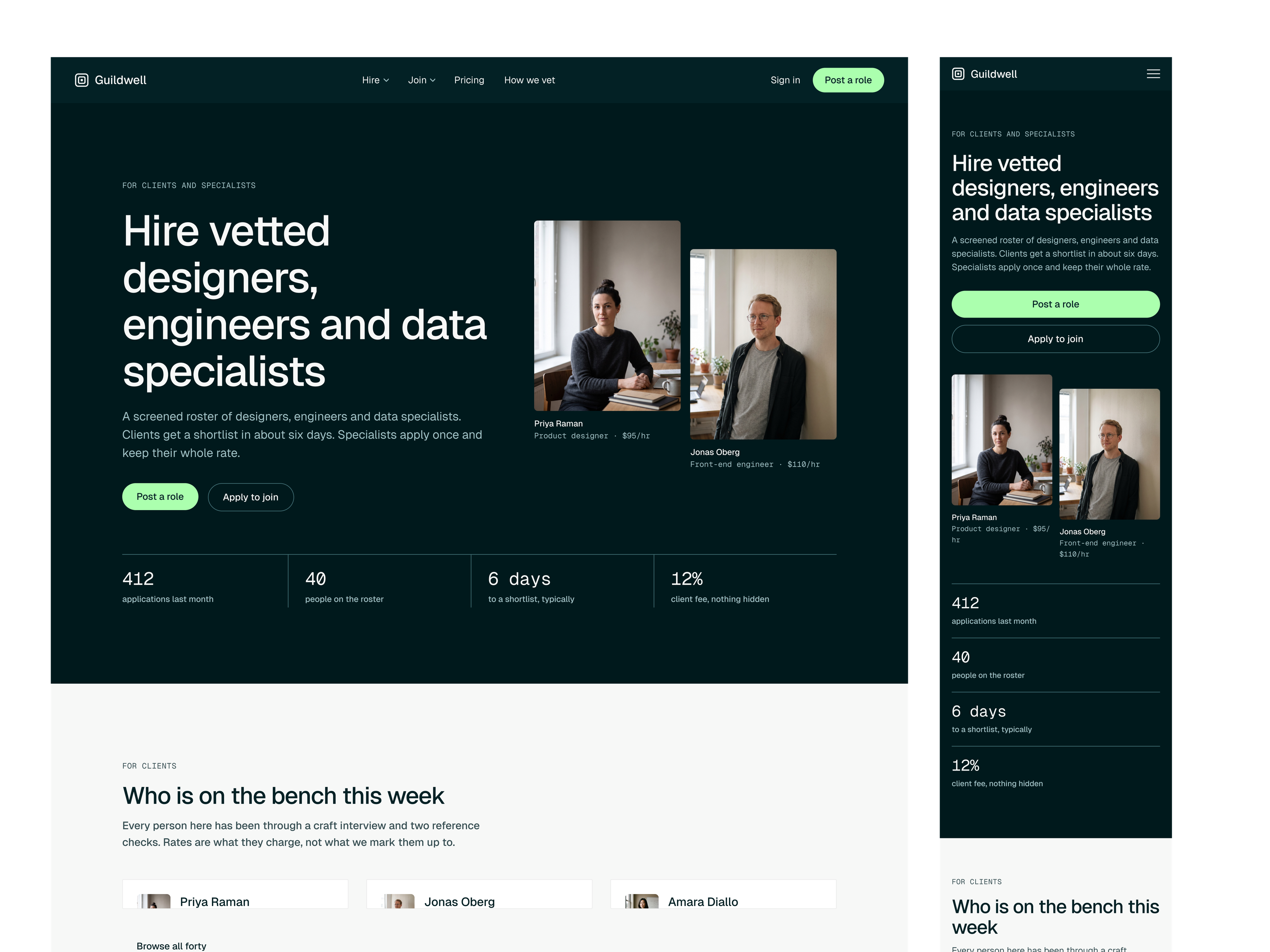
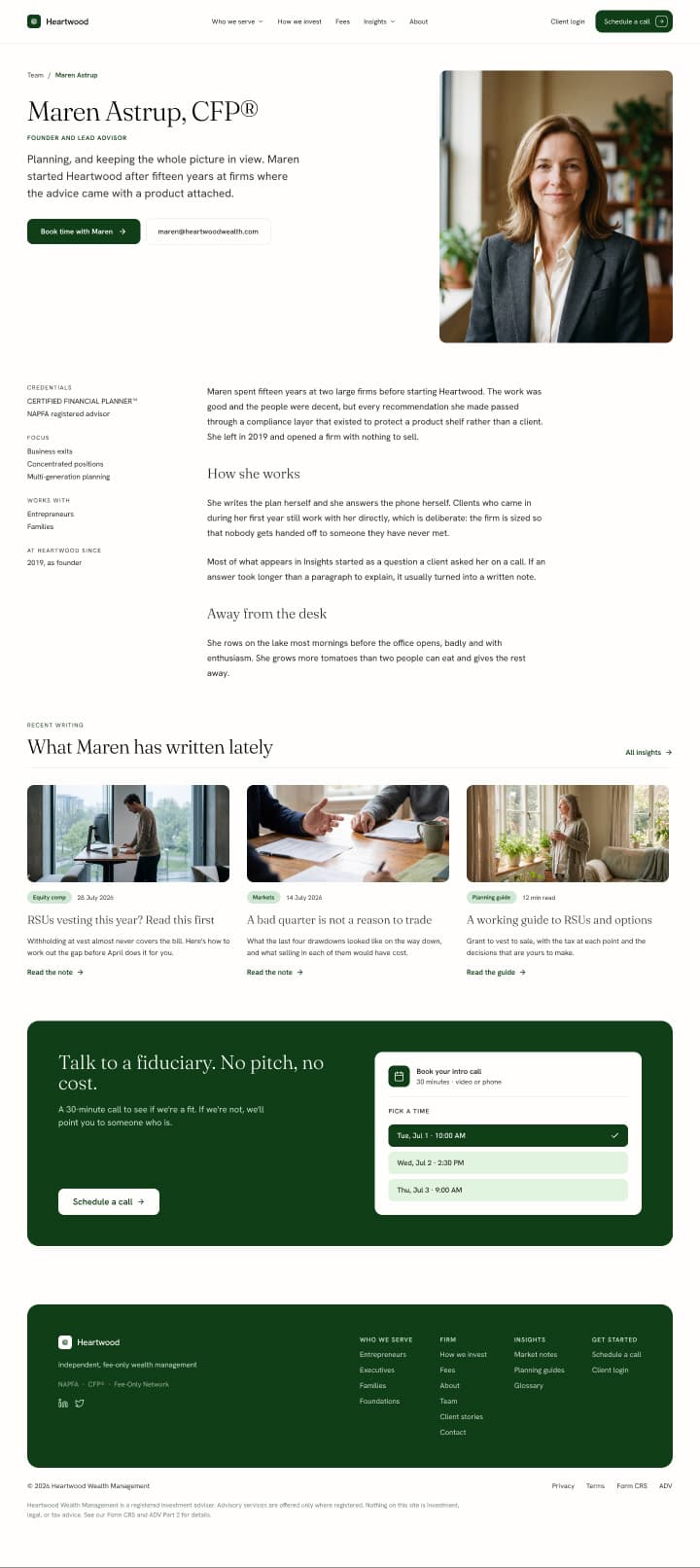
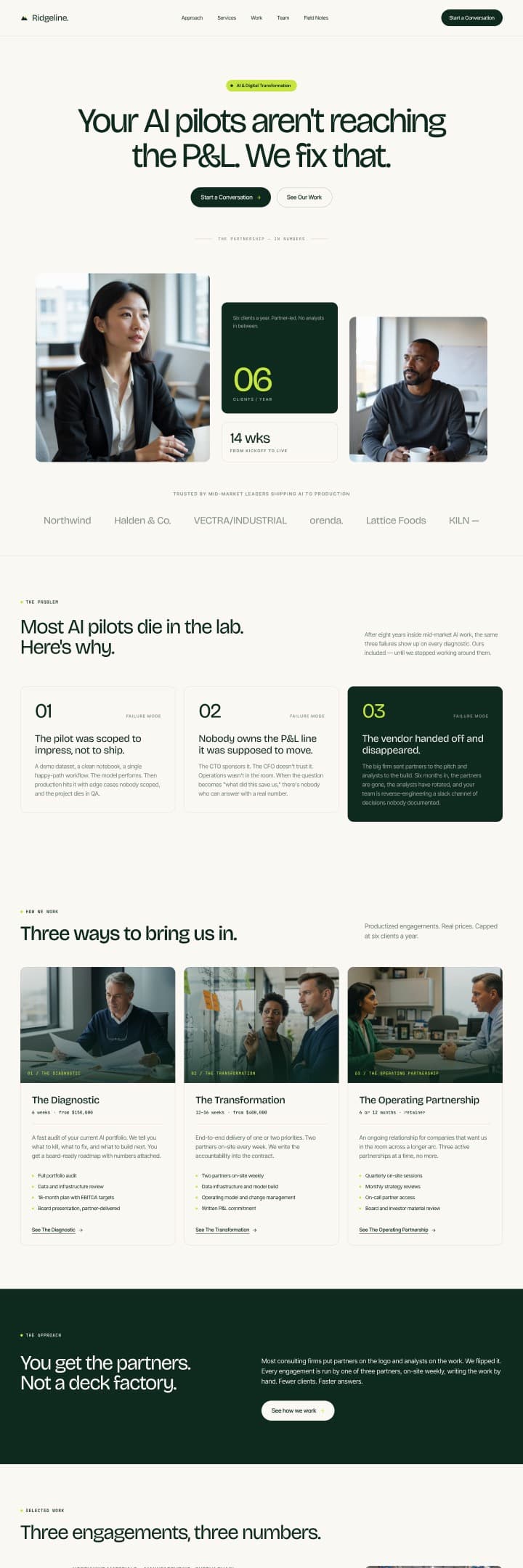
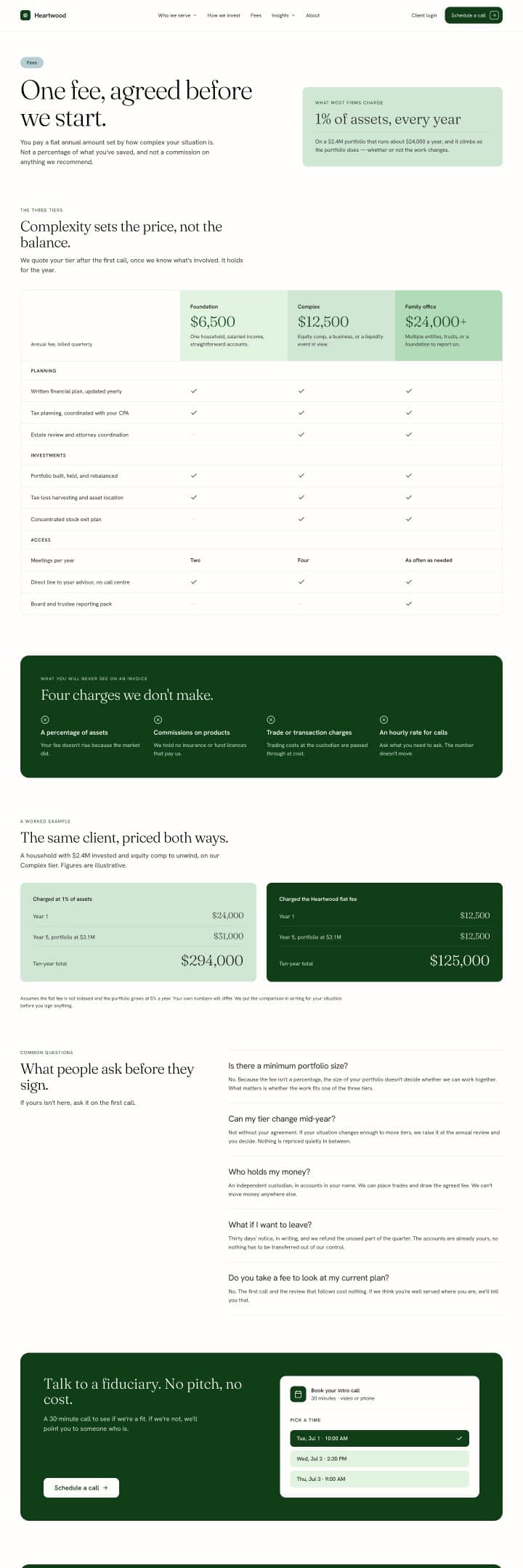
Guildwell
Built for two-sided marketplaces with vetting, matching and payments.
29 pages · 5 CMS collections · $149
$149
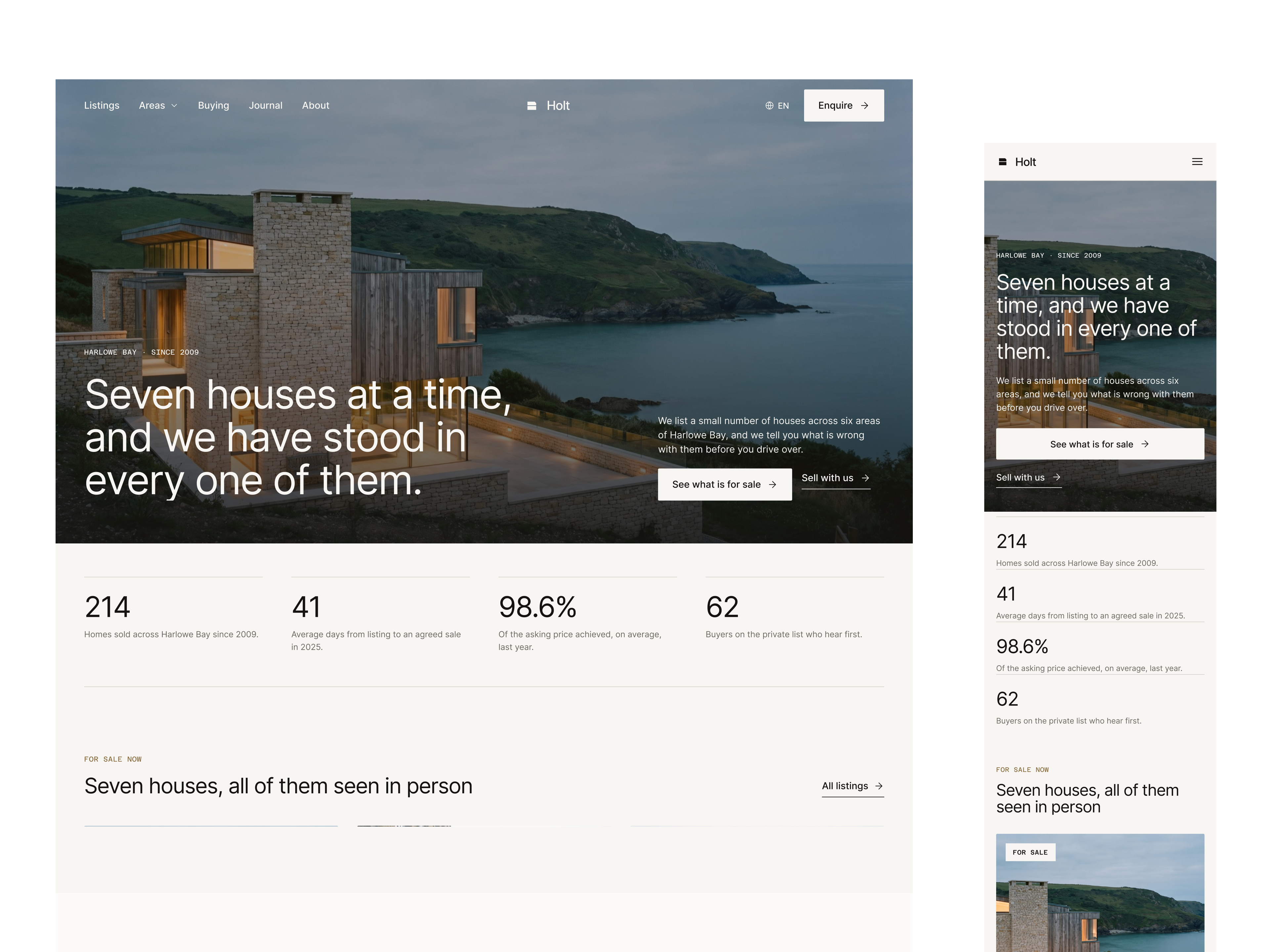
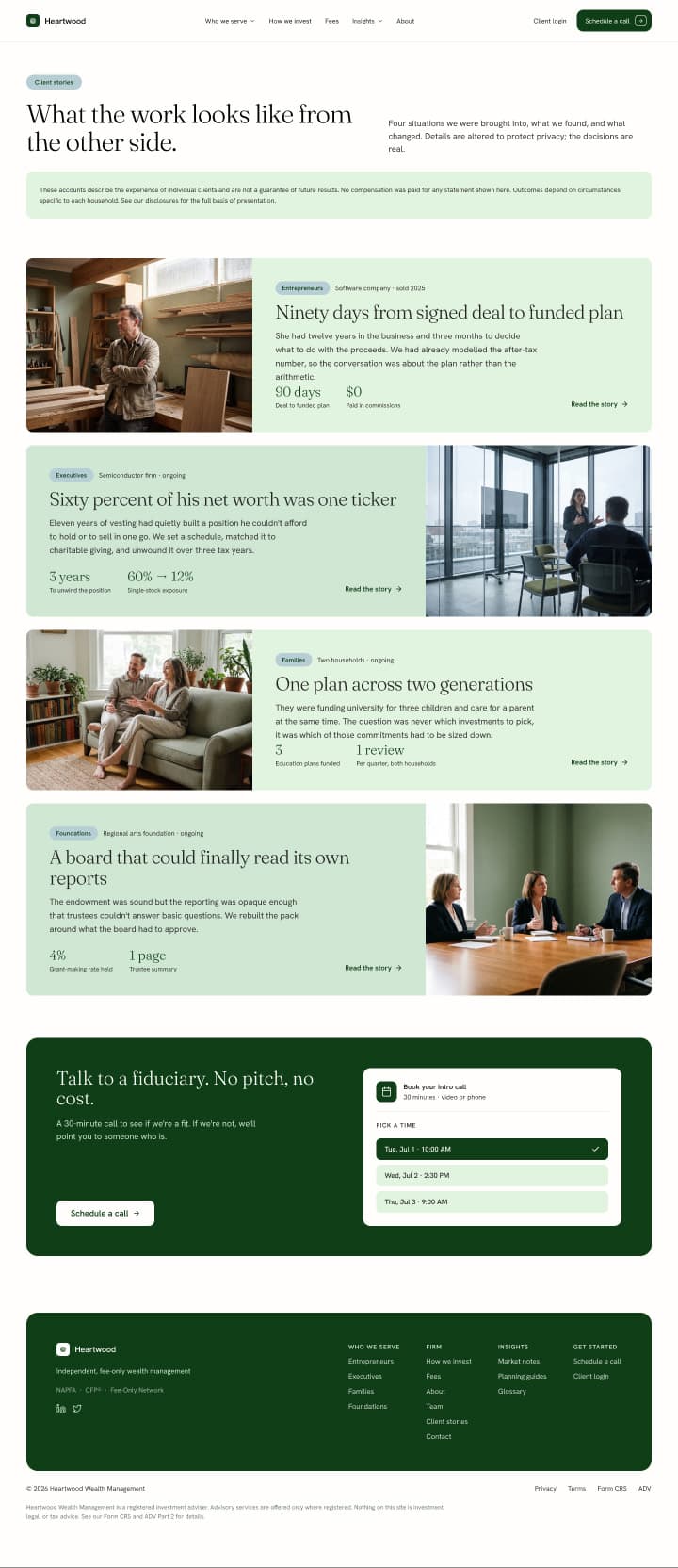
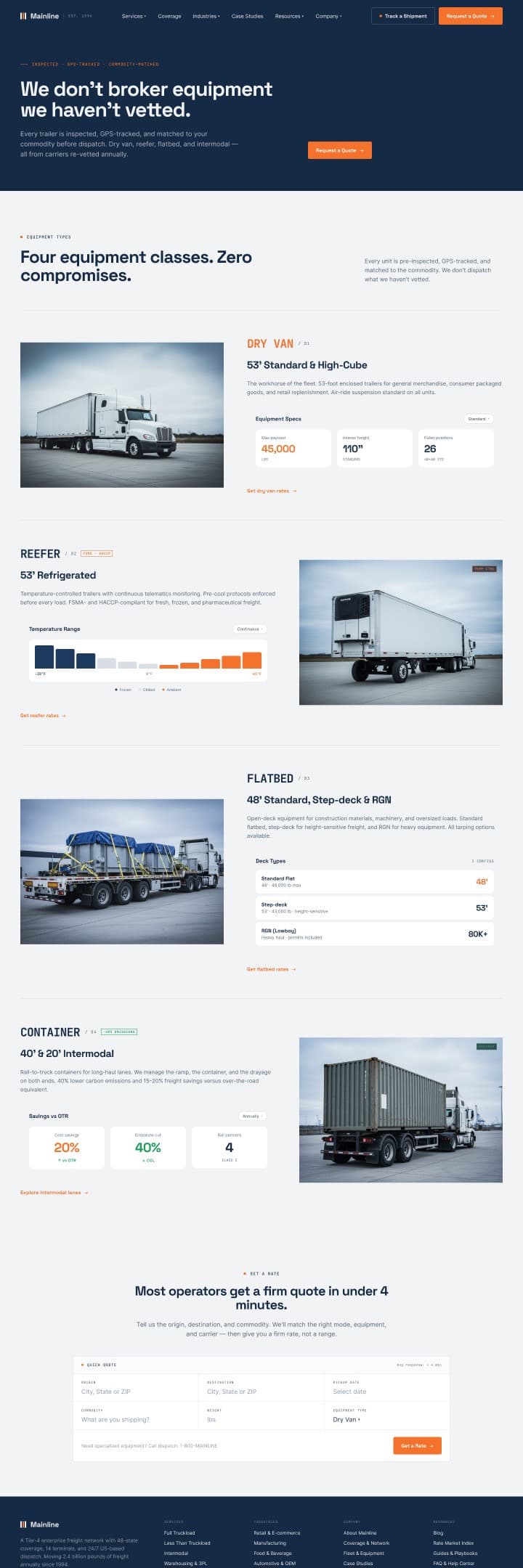
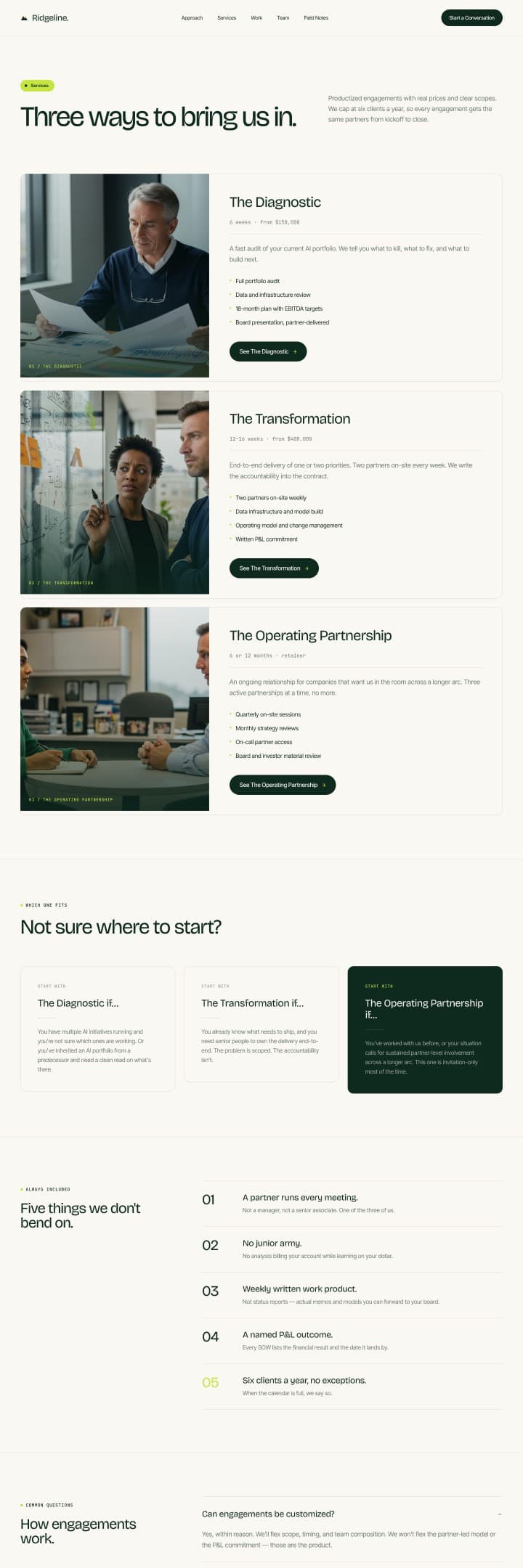
Holt
Built for estate agencies that list each home in full.
16 pages · 4 CMS collections · $129
$129
See every template in the library
Browse templatesWhy the AI-built ones all look the same
A design system is what keeps an agent on brand
An agent given a prompt and nothing else falls back on its own defaults, which is why so many AI-built sites look related.
Give it tokens, a type scale, and a component set, and it builds against a defined brand instead of inventing one.
Every Moirai template comes with that system, so the pages you add later match the pages you bought.
H1 64 · H2 48 · Body 14
Heading 28
Body 14 sits here at its real size.
Everything you need is in one Figma file
One zipped file with the pages, the system behind them, and the structure your build depends on. Nothing to piece together after you buy.

Every page, drawn in full
Every page designed with real copy, not placeholder text. Inner pages are designed to the same finish as the homepage.
Tokens, type, and components
Colour and spacing tokens, a full type scale, and every reusable component. Named with Client First conventions so the build maps straight across.
CMS collections already modelled
Every collection and field the design depends on, listed with the pages that use them. No guessing at structure once you start building.
Take the design into whatever you build in
The file is a design and a system, so it carries into Webflow, an AI agent like Claude, Ship Studio, or hand written code. Nothing in the purchase ties you to one tool.
Webflow
Rebuild in the Designer, or point Claude at the site once it is up.
AI agents
Connect the file over MCP with Dev Mode and hand the agent the system.
Ship Studio
Start a new project and build against the tokens from the first commit.
Your own code
Read the tokens straight out of the design system page and go.

FAQs
All questionsWhat exactly do I get when I buy?
A zip containing one Figma file and a LICENSE.md. The Figma file holds every page at desktop and mobile, the design system, a README artboard and a licence artboard.
How much does a template cost?
Between $99 and $149, depending on the template. Each purchase is one licence, and one licence covers one website. Using it for another client? Buy it again.
Can I see the whole template before I buy?
Most of it. Each template page has a gallery of the page designs and a view-only preview of the Figma file. Parts of the preview are blurred, including the design system. The full file, with nothing blurred, arrives as soon as you buy.
How do I pay, and what happens next?
Checkout runs through Lemon Squeezy, which takes cards and PayPal and handles sales tax. The download link arrives by email straight after payment, with your receipt.
Can I get a refund?
Because the file is a download you keep, sales are final, which is why a preview of each file is open to look through first. If the file is broken, missing something, or not what the page described, email within 14 days and you get your money back. The full terms are on the Refund policy page.