What you get when you buy a template
This page shows what comes with a template, so you know before you buy. Further down there is a sample file you can open and move around in.
- Tacit.fig
- Cover
- Start Here
- Design System
- Pages
- Components
- LICENSE.md
How the Figma file is organised
Nothing hidden in a scratch layer
Every page, desktop and mobile
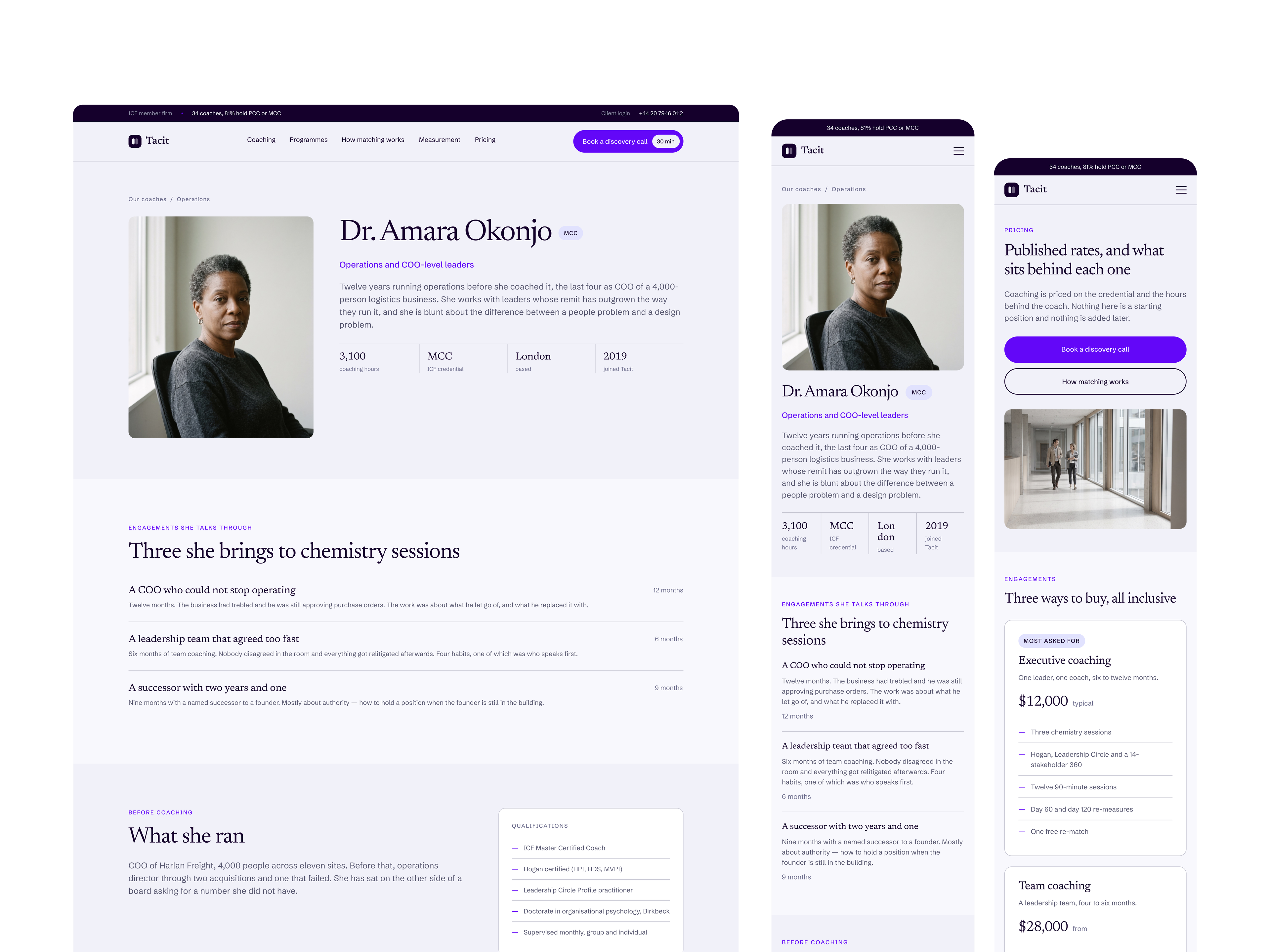
Every page design at both breakpoints, including the pages nobody enjoys drawing: 404, thank you, privacy. Mobile is redrawn rather than squashed, so tables, comparison rows and side-by-side layouts work on a phone.
Real copy on every page
No lorem ipsum and no placeholder headings. Each page is written for a specific business, which means you can hand a preview to a client before you have written a word yourself.
The design system
Colour and spacing tokens, a full type scale, and every component drawn with its states. Layer names follow Client First, so the names map straight onto the classes you create.
CMS collections, modelled
Every collection and field the design depends on, listed with the pages that use them. Reference fields and multi-image galleries included, so nothing breaks the first time you connect real content.
A README written for the person building the site
Font imports, token setup, page order, and the specific things that go wrong if you skip a step.
Open the file and look around
A preview of a real template file. Move around it to see how the pages fit together. Parts of it are blurred here; the file you download is not.
What you get if you buy the code
For templates sold with code. The template page shows the options.
The full site, every page
Every page from the Figma file at desktop and mobile, built in Astro and Tailwind CSS, with light animations.
The design system as code
Tokens named like the Figma variables, and a /design-system page that shows them in use.
A Sanity Studio folder
Sample content, plus a README that shows you how to connect your own free Sanity project.
Access through GitHub
After checkout, reply to your receipt email with your GitHub username. Within one business day you get read access to the private repo, which you fork. Later updates to the repo reach you too.
What is not in the file
Saying this here saves an email later.
No code in the zip
The zip holds the design and the system. For templates that have it, the code is a separate purchase.
No stock photography licence
Images in the previews are placeholders you replace.
No Webflow clonable
You build it, in whatever you build in.